Don’t Want to See YouTube Ads? Here’s How to Block Them


YouTube
YouTube is one source of entertainment that got everything for everyone. There are thousands of good creators and millions of hours of content to watch. But one thing which annoys almost everyone on YouTube after the recommendations are ads between the videos.
We are perfectly fine with one ad on a video and we respect that because that’s how those creators are making money. But recently the number of ads got so high that to watch a 5-minute video, you have to watch a 3 minute of ad clip because it is not skippable.
So today we are going to tell you how you can remove ads while watching videos on YouTube on your desktop.

YouTube Premium


YouTUbe Premium is a service that Google offers you to remove ads from the videos. If you want to support the creators and still want to remove ads then you should go for the YouTube Premium. You will also get access to the Premium exclusive content from YouTube. You get one month free if you buy YouTube Premium service which is amazing.

How to Block YouTube Ads in Chrome

Most of you will be using the Google Chrome browser so here is a guide to tell you how you can install an Adblock extension to remove ads on YouTube.
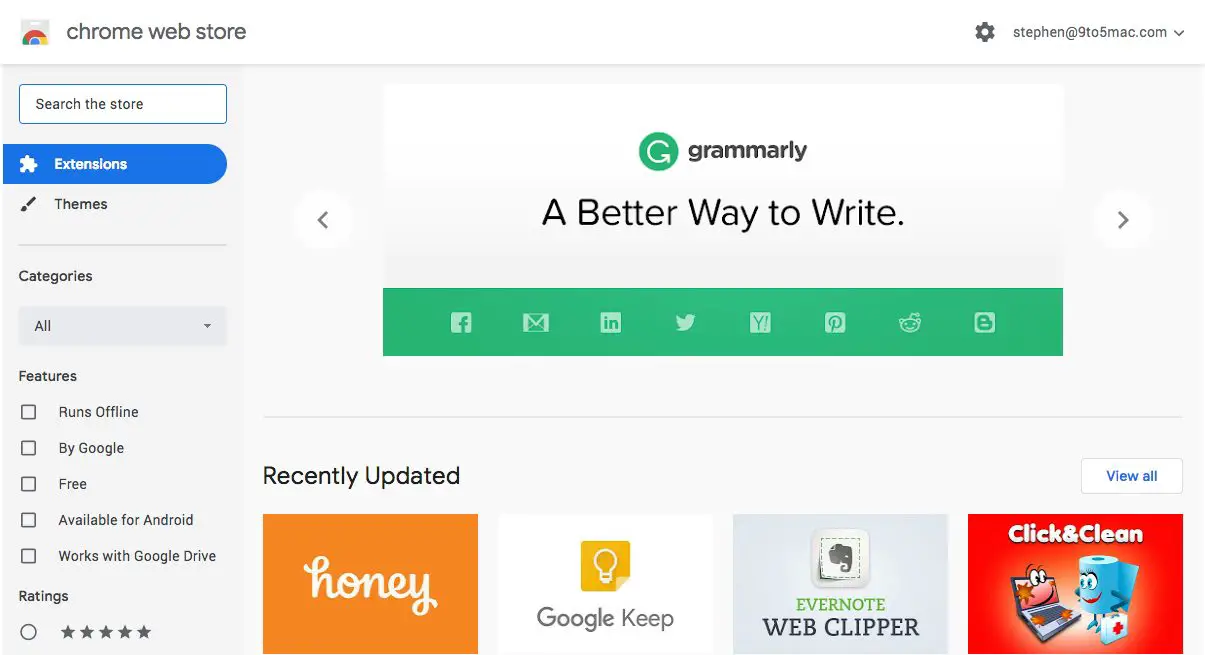
  1. Open Google Chrome and go to Chrome web store.
  2. Search for Adblocker and you will see a couple of extensions to choose from.
  3. To install the one you want, click Add to Chrome button beside the extension.
  4. Once installed, it will automatically start to remove ads from YouTube videos.

How to Block YouTube Ads in Firefox

If you are not using Google Chrome browser for some reason on your desktop then here is a trick for Firefox browser.
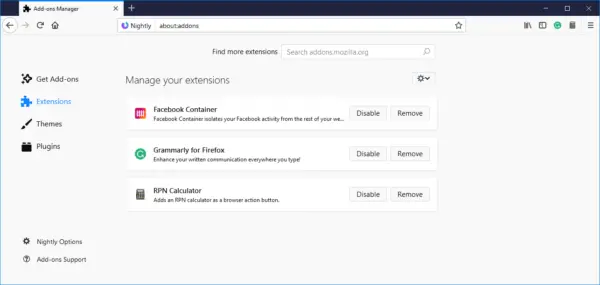
  1. Open the Mozilla Firefox browser and open the setting menu from the top right corner.
  2. Select Add-ons from here and Add-ons page will open.
  3. Search for Ad locker in the search box here and you will see a couple of extensions as results.
  4. Select the one which you want to install and click on Add to Firefox.
Wrapping up
Once you install these extensions, you will be able to block all the ads from the YouTube website. You will be able to watch videos ad-free and you don’t have to pay anything to youtube. In the end, we always suggest you buy YouTube Premium to remove ads and support the creators.

Comments

Popular posts from this blog

OnePlus Nord Vs Realme X2: Which One Should You Buy?

OnePlus today launched its much-awaited OnePlus Nord smartphone in India. The new smartphone series from the company aims at taking on the mid-range smartphones in the country. If we talk about key specs of OnePlus Nord, it has a 6.4-inch Fluid AMOLED 90Hz display, Snapdragon 765G, 48MP Quad Rear Cameras, 32MP Dual selfie camera, and 4110mAh battery with 30W fast charging. OnePlus Nord price in India starts at Rs. 24,999 and with this price, it will take on the likes of Realme X2 and Samsung Galaxy A70, etc. Here, we are comparing it with Realme X2. To recall,  Realme X2  was launched in December last year. With features like Super AMOLED display, Snapdragon 730G processor, 64MP camera, and 30W fast charger, the phone has been a favorite in the mid-range segment. Because of their similar price tag, both these mid-range smartphones are now strong competitors in the Indian market. So, here is our OnePlus Nord Vs Realme X2 comparison, based on specs and price in India. OnePlus No...

Xiaomi to launch Mi Beard Trimmer successor on August 6; check details

Xiaomi has for a while grown over being a tech lifestyle brand in India rather than just a brand that sells smartphones. Now the brand is launching another lifestyle product, this time for all the men out there. The  Xiaomi  India Twitter page just teased the launch of a new Mi Beard Trimmer which will succeed the  first-gen trimmer  the brand launched in 2019.  The new gadget, which may be called the Mi Beard Trimmer 2, will target males in India, a lot of whom are currently in lockdown and may find it unsafe to head out and get a beard trim or shave. “All the bros and dudes out there, it’s time to take control of your beard and become your own stylist,” said the Xiaomi India Tweet. The new  Mi Beard Trimmer  will be launching on August 6 at 12 pm. The Twitter post also shares a picture depicting what looks like the trimmer comb size regulator of the new gadget. The wheel shows a dial that goes all the way up to 10mm. The pricing of the new trimmer is...

Nokia TV 65-inch 4K variant launched on Flipkart for Rs 64,999: Check details

Flipkart and Nokia’s partnership have extended further with a new variant of the  Nokia Smart TV . The companies have launched Nokia Smart TV 65-inch model at Rs 64,999 today. This the third Nokia TV from  Flipkart  and Nokia in India.  The 65-inch 4K Ultra HD TV has narrow bezels and same design as the other two models of 55-inch and 43-inch models. It even houses a  JBL  soundbar at the bottom and has intelligent dimming, wide color gamut and Dolby Vision.The 24 watt soundbar by JBL offers DTS TruSurround and Dolby Audio.  65-inch: Price in India, availability As noted on Flipkart  listing , the Nokia 4K Android Smart TV 65-inch model will cost you Rs 64,999. The product is listed as ‘coming soon’, so no official sale date is available. It is likely that this television will also be made available through flash sales.  Features and specifications The Nokia Smart TV is Android TV 9.0 based and supports  Google Assistant , Chromecast and...